Coordinate Reference Systems (CRS) are fundamental to any GIS workflow. Yet, choosing the right one can be confusing, especially when converting between formats like KML and Shapefile. Let's demystify two of the most common coordinate systems you'll encounter.
What is WGS84 (EPSG:4326)?
WGS84, officially known as World Geodetic System 1984, is a geographic coordinate system that uses latitude and longitude to describe positions on Earth's surface.
Key Characteristics
- Units: Decimal degrees (latitude/longitude)
- Coverage: Global
- Distortion: Minimal at the equator, increases toward poles
- Use Case: GPS data, global datasets, KML files
Think of WGS84 as the universal language of geographic coordinates. It's what your GPS device speaks, and it's the default coordinate system for KML files.
Example Coordinates
San Francisco: 37.7749° N, 122.4194° W
or as decimal: (37.7749, -122.4194)
What is Web Mercator (EPSG:3857)?
Web Mercator is a projected coordinate system designed specifically for web mapping applications. It's what powers Google Maps, OpenStreetMap, and most online map services.
Key Characteristics
- Units: Meters
- Coverage: Global (but cuts off near poles at ±85.05°)
- Distortion: Increases dramatically toward poles (Greenland looks huge!)
- Use Case: Web maps, tile-based mapping, visualization
Web Mercator sacrifices accuracy for visual consistency across zoom levels. This makes it perfect for slippy maps but terrible for area calculations.
Why Web Maps Use Mercator
The Mercator projection preserves angles and shapes locally, making it ideal for navigation and web maps where you need to zoom in and out smoothly.
WGS84 vs Web Mercator: The Showdown
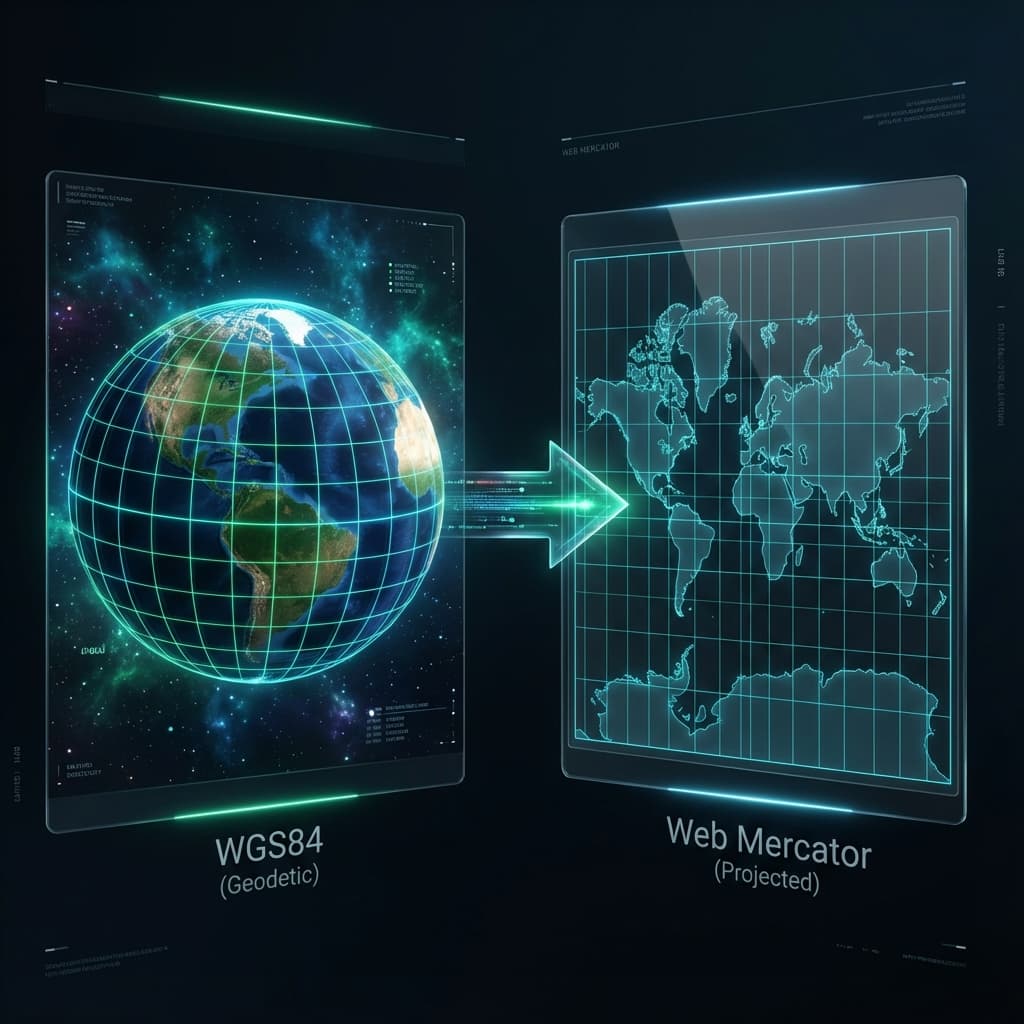
| Feature | WGS84 (EPSG:4326) | Web Mercator (EPSG:3857) | |---------|-------------------|--------------------------| | Type | Geographic | Projected | | Units | Degrees | Meters | | Polar Coverage | Full (90°N to 90°S) | Limited (85.05°N to 85.05°S) | | Area Distortion | Moderate | Severe at high latitudes | | Best For | GPS data, global analysis | Web maps, visualization | | Shape Preservation | Good locally | Excellent locally |
When to Use Each System
Choose WGS84 when:
- Working with GPS data
- Converting KML files (they're already in WGS84)
- Doing global-scale analysis
- Accuracy across latitudes is critical
Choose Web Mercator when:
- Building web maps
- Integrating with Google Maps/OpenStreetMap
- Visualization is more important than measurement
- Working with data between ±85° latitude
Converting Between Systems
When you convert a KML file to Shapefile using our tool, you'll typically want to:
- Keep WGS84 if you're doing spatial analysis or measurements
- Convert to Web Mercator if you're displaying data on a web map
- Choose a local projection (like UTM) for regional projects requiring high accuracy
# Example: A hiking trail in Colorado
Input: trail.kml (WGS84)
Output Options:
  → WGS84 (EPSG:4326) - for GPS device import
  → UTM Zone 13N (EPSG:32613) - for distance/area calculations
  → Web Mercator (EPSG:3857) - for web map display
The Hidden Cost of Web Mercator
Here's a mind-bending fact: Greenland appears the same size as Africa in Web Mercator, when in reality, Africa is 14 times larger!
This distortion is why you should never use Web Mercator for area calculations. Always reproject to an equal-area projection like Albers or Lambert for accurate measurements.
Best Practices
- Store data in WGS84 - it's the most portable format
- Reproject on-the-fly for display or analysis
- Document your CRS - always include a .prj file with Shapefiles
- Understand your use case - measurement vs. visualization
Conclusion
Both WGS84 and Web Mercator have their place in modern GIS workflows. WGS84 is your reliable workhorse for data storage and analysis, while Web Mercator is optimized for the visual web mapping experience.
When converting your KML files to Shapefile format, choose the coordinate system that matches your end goal. And remember: there's no perfect projection - every choice involves trade-offs.
Need to convert KML to Shapefile with custom coordinate systems? Our free online tool supports 10+ popular CRS options with intelligent recommendations based on your data's geographic extent.